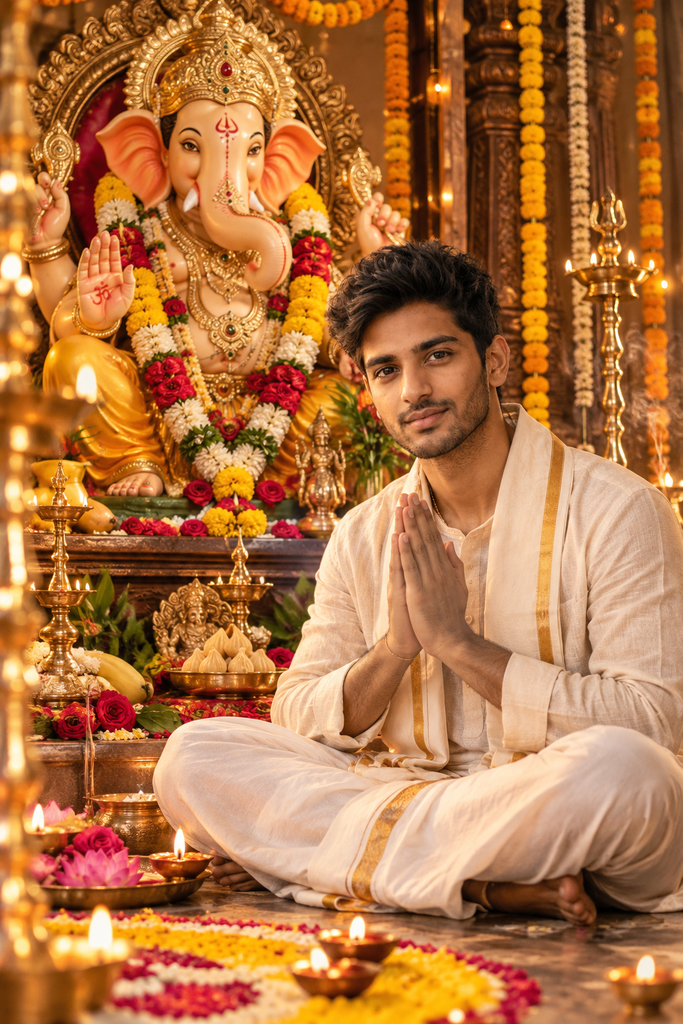
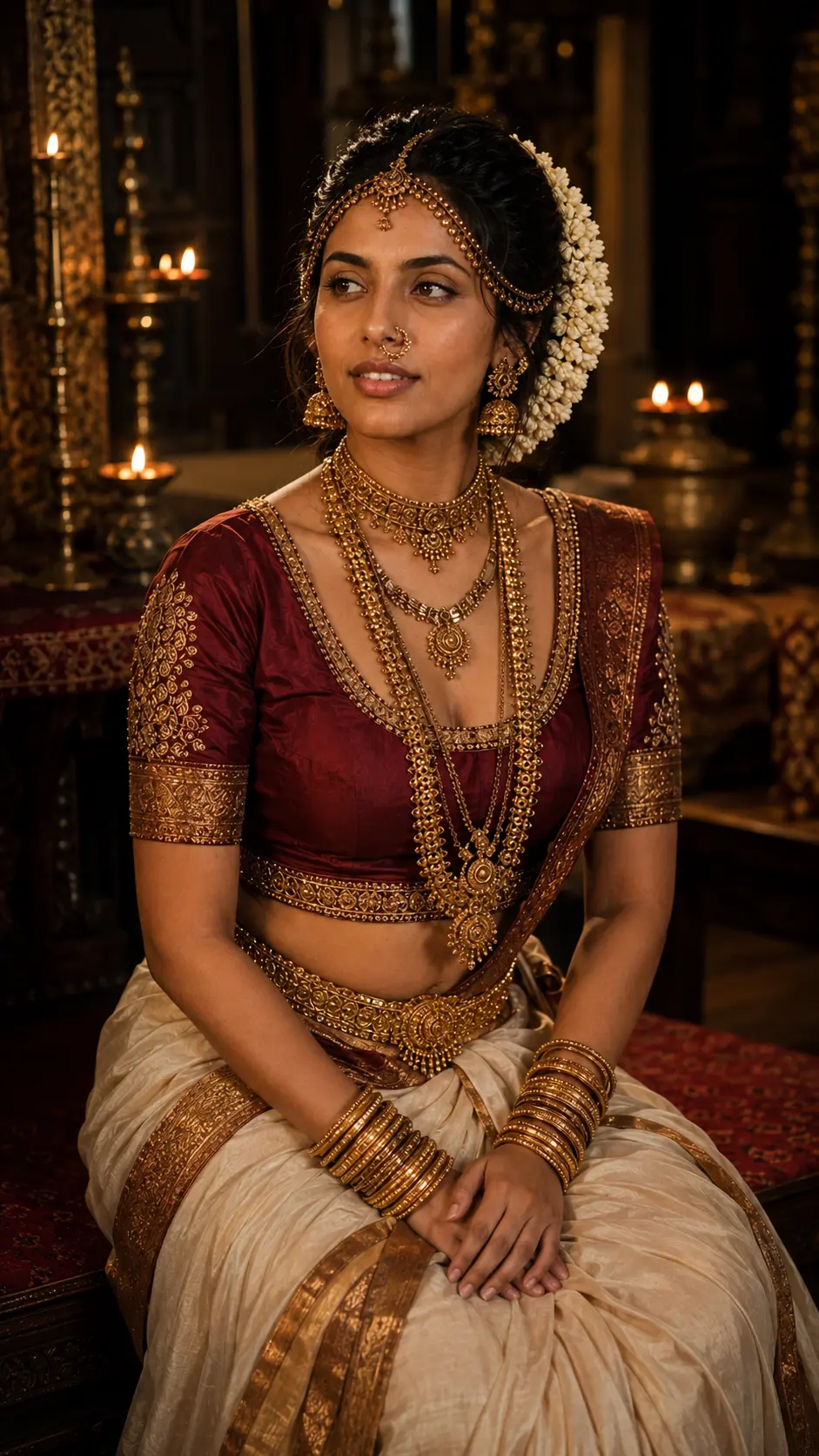
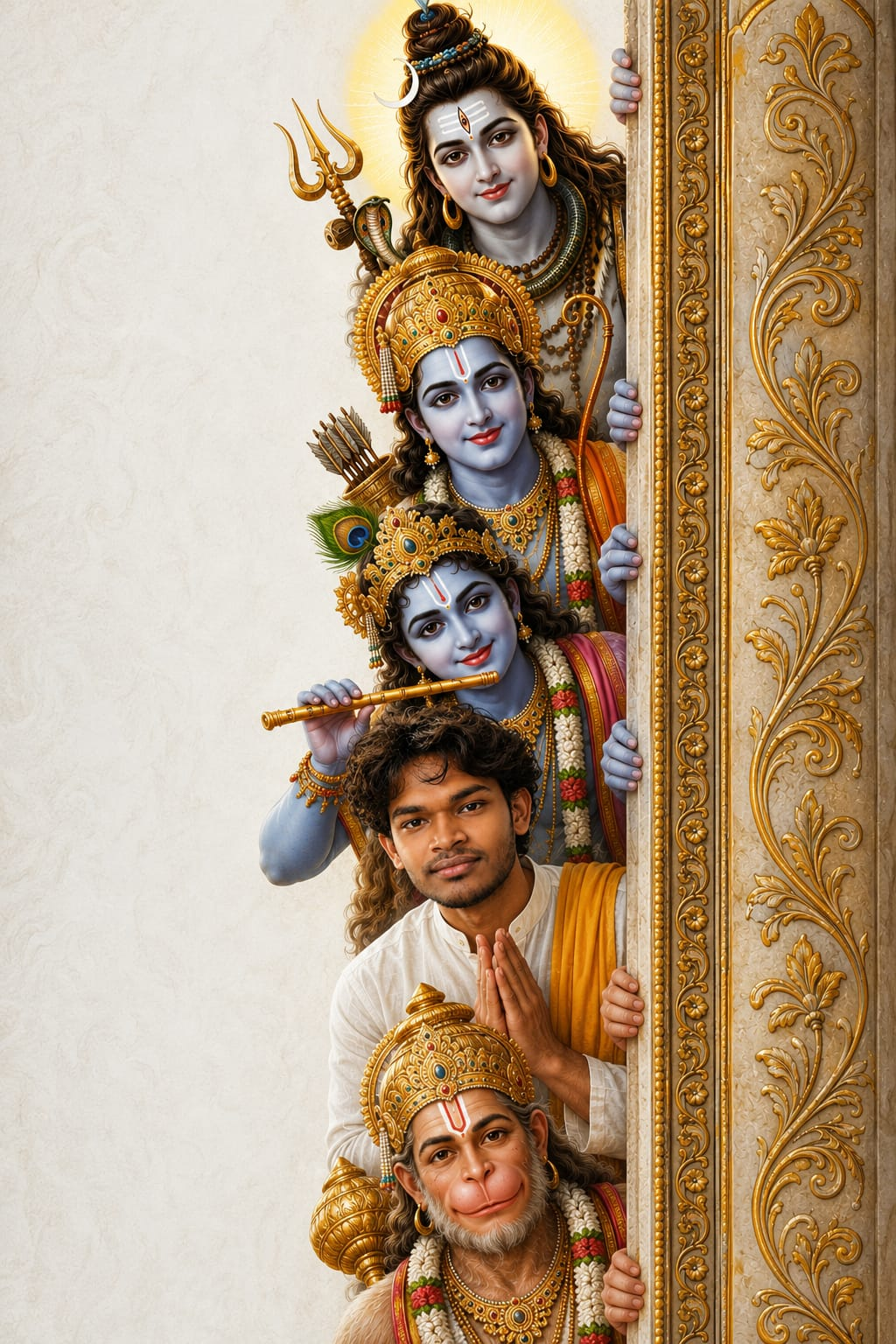
Create a beautiful and meaningful Ganesh Chaturthi photo with AI using this ready-to-use Ganesh Chaturthi AI Photo Editing Prompt. You can transform your ordinary photo into an ultra-realistic devotional scene featuring Lord Ganesha, traditional flowers, diyas, brass lamps, rangoli, incense smoke, and warm golden lighting. The prompt is designed to preserve your natural facial features and identity while adding a cinematic, festive atmosphere. Simply upload your photo, copy the prompt below, and create your own stunning Ganesh Chaturthi AI image in just a few steps.
AI Image Prompt
Create a beautiful and meaningful Ganesh Chaturthi photo with AI using this ready-to-use Ganesh Chaturthi AI Photo Editing Prompt. You can transform your ordinary photo into an ultra-realistic devotional scene featuring Lord Ganesha, traditional flowers, diyas, brass lamps, rangoli, incense smoke, and warm golden lighting. The prompt is designed to preserve your natural facial features and identity while adding a cinematic, festive atmosphere. Simply upload your photo, copy the prompt below, and create your own stunning Ganesh Chaturthi AI image in just a few steps.
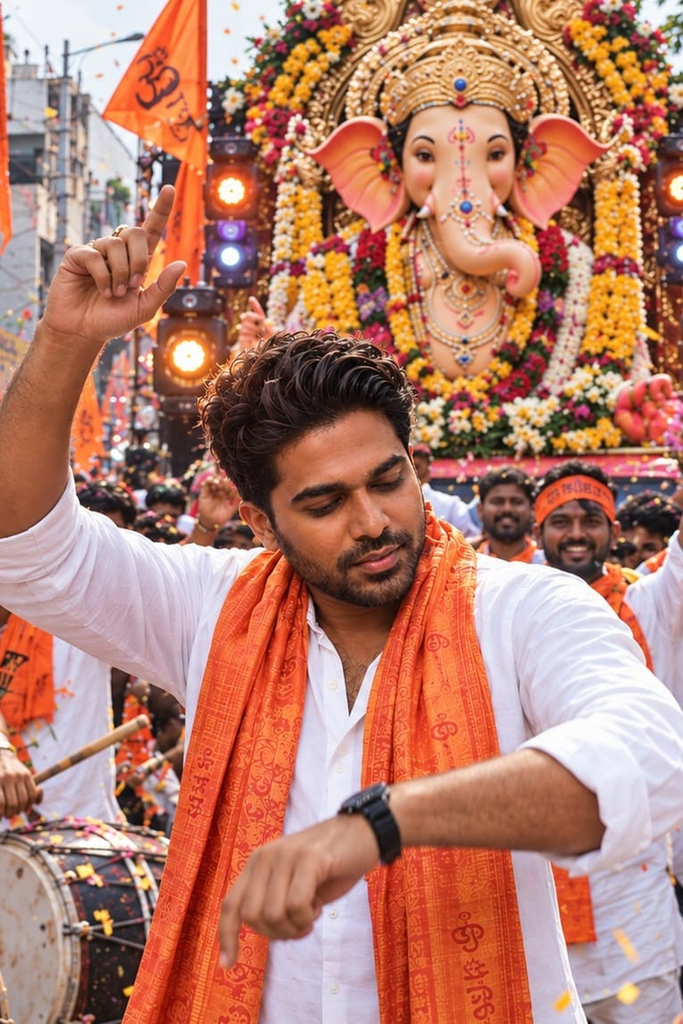
Transform the uploaded photo into an ultra-realistic, cinematic Ganesh Chaturthi street celebration scene. Keep the person’s exact identity, face, facial features, skin texture, hairstyle, body proportions, and natural appearance unchanged. Show the person energetically celebrating Ganesh Chaturthi in a crowded Indian festival procession, wearing a crisp white traditional kurta with a vibrant saffron-orange devotional stole, naturally dancing with one hand raised in celebration.

Place a grand, beautifully decorated Lord Ganesha idol directly behind the person on a magnificent festival procession vehicle. Surround the idol with colorful marigold and rose flower garlands, traditional decorations, saffron flags, glowing stage lights, and festive ornaments. Add a lively crowd of devotees wearing traditional white clothing and orange scarves, large traditional Indian dhol drums, flower petals flying through the air, and an authentic busy Indian street filled with festive energy.

Create realistic daytime festival lighting with warm highlights, natural shadows, cinematic depth of field, detailed skin and fabric textures, realistic crowd details, subtle motion in the flags and flowers, HDR, professional DSLR photography, sharp subject focus, rich but natural colors, dramatic cinematic composition, and highly detailed photorealism.

The final image should feel like a genuine Ganesh Chaturthi procession photograph captured by a professional photographer, not an AI-generated image.

No face distortion, no identity change, no artificial facial features, no excessive skin smoothing, no cartoon effect, no painting effect, no unrealistic body proportions, no extra fingers, no duplicated people, no distorted hands, and no blurry face.
About This Ganesh Chaturthi AI Photo Editing Prompt
This AI photo editing prompt is designed to transform an ordinary portrait into a festive Ganesh Chaturthi-themed image while keeping the subject recognizable and naturally integrated into the celebration.
The concept combines traditional Indian festive elements, warm decorative lighting, vibrant colors, and realistic portrait editing to create an image that feels both celebratory and visually polished.
The main focus remains on the person, while the surrounding decorations help establish the Ganesh Chaturthi atmosphere. Traditional details such as Lord Ganesha decor, marigold flowers, diyas, festive lights, rangoli patterns, and colorful decorations can be incorporated according to the desired composition.
The editing approach should preserve the subject’s natural facial appearance, skin texture, hairstyle, clothing details, and overall proportions rather than making the result look like a completely different person.
Understanding the Ganesh Chaturthi Festive Visual Style
The visual style combines traditional Indian festival photography, cinematic portrait editing, warm festive lighting, and realistic cultural decoration.
Ganesh Chaturthi is visually represented through elements such as flower garlands, diyas, decorative lights, rangoli, traditional ornaments, and an elegant Ganesha setup.
Warm golden illumination creates a welcoming festive mood, while brighter decorative colors add energy and celebration to the composition.
The goal is to maintain a natural photographic appearance instead of making every element overly saturated or artificial. The subject should remain the visual focal point, with the festive environment supporting the portrait.
Technical Breakdown of the Ganesh Chaturthi AI Photo Editing Prompt
The prompt focuses on realistic photo editing, natural facial preservation, detailed textures, balanced composition, and believable lighting integration.
When editing an existing photograph, the person’s recognizable facial characteristics should remain consistent. Important details such as facial proportions, eyes, nose, lips, hairstyle, skin texture, and natural expression should not be unnecessarily altered.
Festive elements should appear naturally positioned within the scene. Flower garlands should have realistic textures, diyas should produce believable light, and decorative backgrounds should maintain appropriate depth and perspective.
The lighting applied to the subject should match the surrounding festival environment so that the final image does not appear as though the decorations were simply pasted onto the original photograph.
Lighting, Colors & Composition
The image works particularly well with warm golden festive lighting, soft highlights, and subtle atmospheric glow.
The color palette can include saffron, orange, red, gold, yellow, warm brown, and traditional festive tones.
Diyas and decorative lights can create small points of illumination around the scene, while marigold flowers and colorful decorations add texture and visual richness.
The subject should remain clearly visible and naturally positioned within the composition. Background elements should provide context without competing with the person’s face.
A subtle cinematic glow and controlled contrast can help give the final photograph a polished festive appearance.
How to Customize This Ganesh Chaturthi AI Photo Prompt
Change the Festive Background
Try a home Ganesh setup, decorated living room, apartment entrance, traditional mandap, festive street, temple-inspired setting, or elegant indoor celebration.
Choose the environment based on whether you want the final image to feel intimate, traditional, or grand.
Add Traditional Decorations
You can include marigold garlands, diyas, rangoli, banana leaves, decorative torans, flowers, fairy lights, traditional lamps, and festive ornaments.
These details can make the celebration feel more authentic while keeping the subject as the main focus.
Change the Outfit
The subject can be styled in traditional Indian clothing, a kurta, saree, lehenga, sherwani, festive ethnic wear, or elegant contemporary clothing.
Coordinating the outfit with the festive color palette can create a more cohesive result.
Adjust the Lighting
Experiment with warm diya light, golden ambient lighting, soft studio illumination, evening festival lighting, or colorful decorative lights.
Lighting should remain consistent with the environment for a realistic edited photograph.
Change the Mood
The image can be made traditional and peaceful, vibrant and celebratory, elegant and luxurious, warm and intimate, or cinematic and dramatic depending on the desired final style.
Best Use Cases
This concept works well for Ganesh Chaturthi social-media posts, Instagram portraits, WhatsApp status images, Pinterest content, festive greetings, family celebration photos, profile pictures, festival invitations, devotional artwork, and seasonal creative projects.
It can also be adapted for personal festive photography and family celebration visuals, making ordinary portraits feel more connected to the Ganesh Chaturthi atmosphere.
For photo editing involving another person’s photograph, make sure you have appropriate permission to use and edit the image, particularly when the final artwork will be shared publicly or used commercially.
Frequently Asked Questions
How can I edit a Ganesh Chaturthi photo with an AI prompt?
Upload your photo to an AI image editing tool and use a detailed Ganesh Chaturthi prompt describing the festive background, decorations, lighting, clothing, and overall mood. A clear prompt can help transform an ordinary portrait into a festive celebration image while keeping the subject natural.
Where can I download a free Ganesh Chaturthi photo editing prompt?
You can use the free Ganesh Chaturthi AI photo editing prompt provided on this page. Copy the prompt and adapt details such as the background, outfit, decorations, and lighting to create your preferred festive image.
Can I use a Ganesh Chaturthi Gemini prompt for photo editing?
Yes. The prompt can be adapted for AI image editors that support photo-based prompting, including tools such as Gemini. Describe the original photo, desired festive changes, and any details you want to preserve for a more controlled result.
Can I use this Ganesh Chaturthi photo editing prompt for an Indian girl?
Yes. The prompt can be customized for an Indian girl’s portrait by specifying suitable festive clothing, traditional jewelry, floral decorations, diyas, rangoli, and a Ganesh Chaturthi celebration setting while keeping the overall appearance natural.
What are some good captions for Ganesh Chaturthi pictures?
Short festive captions can complement your edited photo, such as “Ganpati Bappa Morya,” “Welcoming blessings and happiness,” “Celebrating faith, joy, and togetherness,” or “May Lord Ganesha bring peace and prosperity.”
What is the best prompt for a Ganesh Chaturthi photo?
A strong Ganesh Chaturthi photo prompt should describe the subject, festive setting, Lord Ganesha decoration, flowers, diyas, lighting, colors, clothing, and desired photography style. Adding specific details helps the AI create a more cohesive and realistic celebration-themed image.