we all using ai images daily for many uses .If you have typed “best AI image generator” into Google recently, you already know the problem. Every article seems to recommend a different tool, half the lists are outdated the day they publish, and nobody tells you which one actually fits your specific use case, whether that is a product photo, a devotional portrait, or a poster with clean, readable text.
I have spent the last few weeks testing the major AI image tools side by side on the same prompts, the same lighting requests, and the same tricky cases like hands, text, and realistic skin. Here is the honest, updated breakdown for 2026, including which one to pick if you only want to try one, and which ones are worth it for free.
The Quick Answer
If you want a single recommendation, start with Nano Banana 2 (from Google, inside the free Gemini app). It handles photorealism, natural skin tones, and typography better than most rivals, and it is free to try. If your priority is precise prompt following and images that look “thought through,” GPT Image 2 from OpenAI currently tops several independent leaderboards. For posters and text-heavy graphics, Ideogram 3 is still the most reliable at spelling words correctly inside an image.
There is no single winner for every job, and that is really the point of this guide.
What Actually Makes an AI Image Generator “Best”
Before comparing tools, it helps to know what separates a genuinely good AI image generator from one that just looks good in a marketing screenshot. The things that matter most are:
Photorealism: does skin, fabric, and lighting look like a photograph or does it still have that plasticky “AI look”
Prompt accuracy: does it actually generate what you asked for, including specific poses, camera angles, and settings
Text rendering: can it spell words correctly inside the image, which is still a weak spot for many models
Consistency: can it keep a face or character looking the same across multiple images
Cost and limits: is there a usable free tier, or do you hit a wall after five images
Commercial rights: can you actually use the output for client work or a business without licensing headaches
Keep these in mind, because the “best” tool genuinely changes depending on which of these you care about most.
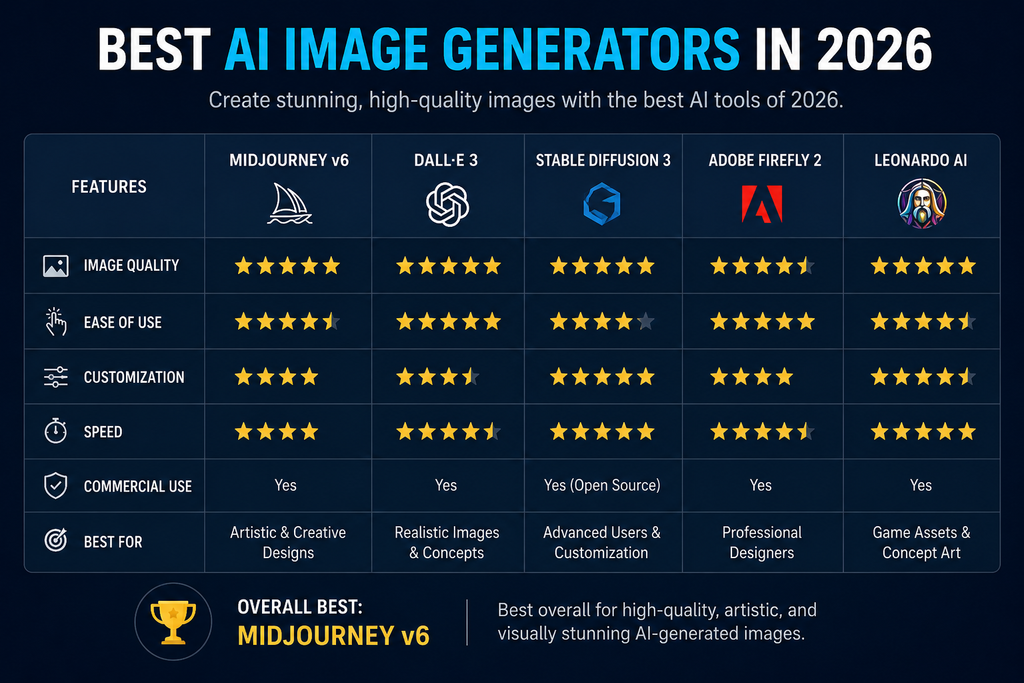
Top AI Image Generators Compared
1. Nano Banana 2 (Google Gemini)
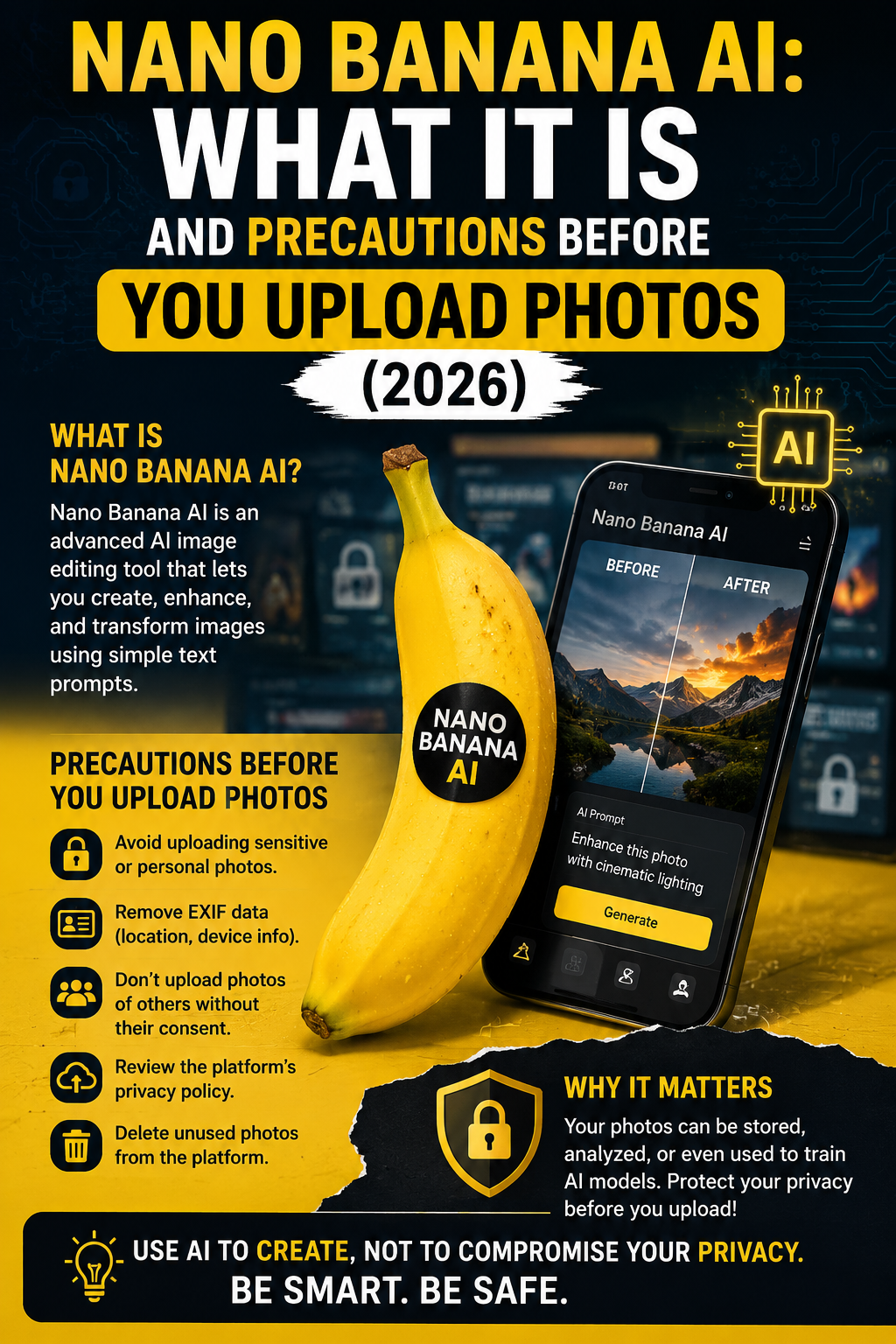
Nano Banana 2 has become the model most people mention first in 2026, and for good reason. It is consistently ranked as one of the strongest all-round performers for realism, natural human anatomy, and camera-style effects like grain and depth of field. It is also genuinely easy to access for free through the Gemini app, which is why it shows up so often in comparisons right now.
OpenAI’s GPT Image 2 has taken the top spot on multiple blind-vote leaderboards through mid and late 2026. What sets it apart is that it plans the layout of an image before generating it, which noticeably improves how well it follows complex prompts with multiple subjects or specific compositions. If you already use ChatGPT for writing or research, generating images in the same chat window is a real convenience.
Midjourney remains the go-to choice for anyone chasing a cinematic or artistic look rather than strict photorealism. It now renders at 2048×2048 by default, and it still has the most distinctive visual style of any major generator, which is exactly why illustrators and concept artists keep coming back to it. The tradeoff is that it lives mostly on Discord and has a steeper learning curve than a simple chat interface.
4. Ideogram 3
If your image needs to include actual readable text, a birthday poster, a shop sign, a YouTube thumbnail, Ideogram is still the safest bet. Most other generators misspell or distort text under pressure, while Ideogram gets it right far more consistently. It struggles a bit with very complex, busy scenes, so it is best used for focused, text-forward designs.
5. Adobe Firefly
Firefly’s biggest selling point is not raw image quality, it is licensing safety. Because it is trained only on licensed Adobe Stock content and public domain material, it is the most defensible option if you are creating images for client work or paid advertising and want to avoid copyright risk. The free tier gives a limited number of credits monthly, which is enough to test it before committing.
6. Leonardo AI
Leonardo sits in a nice middle ground between quality and generosity. Its free plan gives a meaningful daily allowance, and it supports multiple underlying models including Flux, so you are not locked into one style. It has more settings to learn than something like Canva, but that also means more creative control once you get comfortable.
7. FLUX.2 and Grok Imagine
These are newer, faster-moving options. FLUX.2 from Black Forest Labs is popular with developers who want to run models through an API or self-host, and Grok Imagine has climbed leaderboard rankings while staying one of the more affordable options per image. Neither is the first tool most beginners try, but both are worth knowing about if price per image matters to your workflow.
Best Free AI Image Generators (No Watermark)
A lot of people searching for the best AI image generator really want to know which ones are free and usable without a visible watermark ruining the image. Based on current free-tier offerings, these hold up well:
Adobe Firefly – around 25 free credits a month, trained on licensed content, safest for commercial use
Nano Banana 2 in Gemini – free with generous daily use, strong realism
Microsoft Designer / Bing Image Creator – unlimited generation using a DALL-E-based model, no watermark
Canva Magic Media – around 50 free images a month, useful if you are already designing inside Canva
Leonardo AI – roughly 150 tokens a day, enough for 30 to 50 images depending on settings
None of these require a credit card to start, which makes them a good way to test quality before paying for anything.
Best AI Image Generator for Realistic Photos
If photorealism is your main priority, whether for a portrait, a product mockup, or a social media image that should not look obviously AI-generated, the current front-runners are Nano Banana 2 for natural skin and lighting, and GPT Image 2 for scenes with multiple elements that all need to look physically consistent. Worth noting: even the strongest models still occasionally struggle with hands, reflections, and small text on packaging, so a quick manual touch-up is often still worth doing for professional work.
For inspiration on prompt structure that pushes realism further, our DSLR-style prompt guide shows the exact wording that tends to produce cleaner, camera-like results.
How to Choose the Right One for You
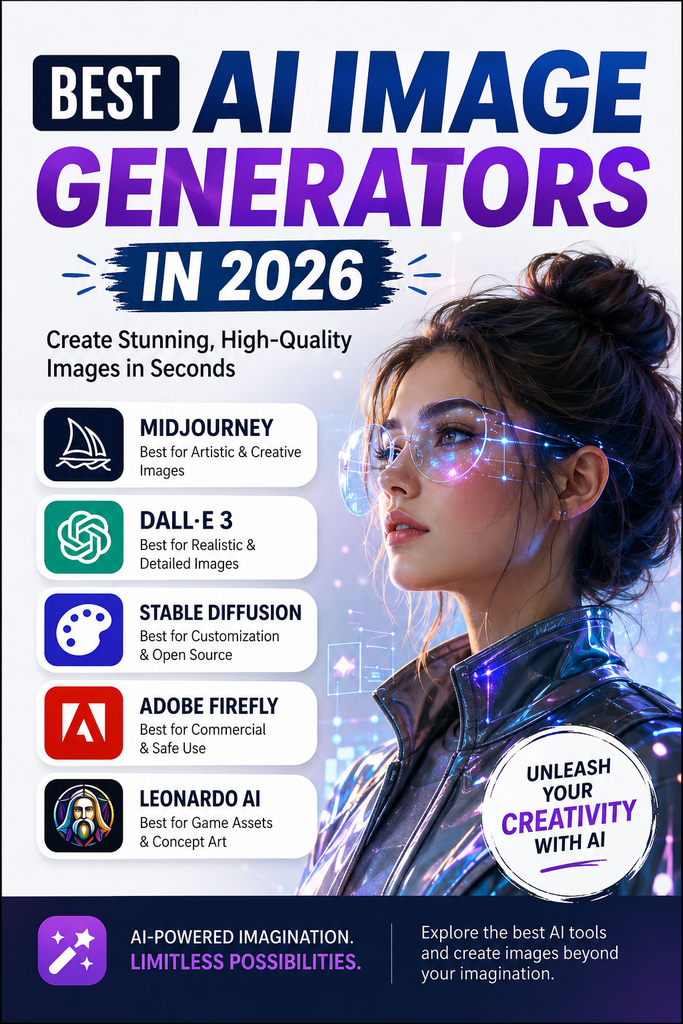
Rather than chasing whichever tool tops a list this month, match the tool to the job:
Portraits and realistic photos: Nano Banana 2 or GPT Image 2
Posters, banners, or anything with text: Ideogram 3
Artistic or stylized illustration: Midjourney
Client or commercial work where licensing matters: Adobe Firefly
Budget-conscious daily use: Leonardo AI or Canva Magic Media
Developers who want API access: FLUX.2 or Grok Imagine
Yes, several tools are fully free to use without a credit card, including Microsoft Designer, Craiyon, and the free tier of Nano Banana 2 inside Gemini. Craiyon has no daily limit but lower image quality, while Microsoft Designer and Nano Banana 2 offer noticeably better results with reasonable daily use limits.
Is ChatGPT the best image generator?
ChatGPT, using OpenAI’s GPT Image 2 model, is currently ranked at or near the top of several independent blind-vote leaderboards for prompt accuracy and scene planning. Whether it is the “best” for you depends on the task. It is excellent for complex, multi-element scenes, but tools like Ideogram still beat it for text-heavy designs, and Nano Banana 2 often edges it out for pure photorealism.
What are the most realistic AI image generators?
Nano Banana 2 and GPT Image 2 are generally considered the most photorealistic options in 2026, particularly for portraits and natural lighting. That said, no model is perfect yet. Even top-ranked tools can struggle with fine details like hands, reflections, or readable text on objects, so a light manual edit afterward is common practice for professional use.
Which AI is best for pictures?
It depends on what kind of picture you mean. For realistic photos, Nano Banana 2 or GPT Image 2. For artistic or stylized images, Midjourney. For pictures with text, like posters or thumbnails, Ideogram 3. For business use where licensing safety matters, Adobe Firefly. There is genuinely no single best AI for every kind of picture, which is why picking based on your specific use case matters more than chasing whichever name is trending that week.
Frequently Asked Questions
Is there a 100% free AI image generator?
Yes, several tools are fully free to use without a credit card, including Microsoft Designer, Craiyon, and the free tier of Nano Banana 2 inside Gemini. Craiyon has no daily limit but lower image quality, while Microsoft Designer and Nano Banana 2 offer noticeably better results with reasonable daily use limits.
Is ChatGPT the best image generator?
ChatGPT, using OpenAI’s GPT Image 2 model, is currently ranked at or near the top of several independent blind-vote leaderboards for prompt accuracy and scene planning. It is excellent for complex, multi-element scenes, but tools like Ideogram still beat it for text-heavy designs, and Nano Banana 2 often edges it out for pure photorealism.
What are the most realistic AI image generators?
Nano Banana 2 and GPT Image 2 are generally considered the most photorealistic options in 2026, particularly for portraits and natural lighting. Even top-ranked tools can still struggle with fine details like hands, reflections, or readable text on objects, so a light manual edit afterward is common practice for professional use.
Which AI is best for pictures?
It depends on the kind of picture. For realistic photos, Nano Banana 2 or GPT Image 2 work best. For artistic or stylized images, Midjourney is the top choice. For pictures with text, like posters or thumbnails, Ideogram 3 is more reliable. For business use where licensing safety matters, Adobe Firefly is the safest option.
Prices, model versions, and rankings for AI tools change frequently. This guide reflects tool comparisons and independent benchmarks current as of September 2026.