AI is not just for tech experts anymore. In 2026, anyone with a phone or laptop can use powerful AI tools without spending a single rupee. Whether you want to write faster, design better, edit videos, or just save time on daily tasks, there is a free AI tool for almost everything now.
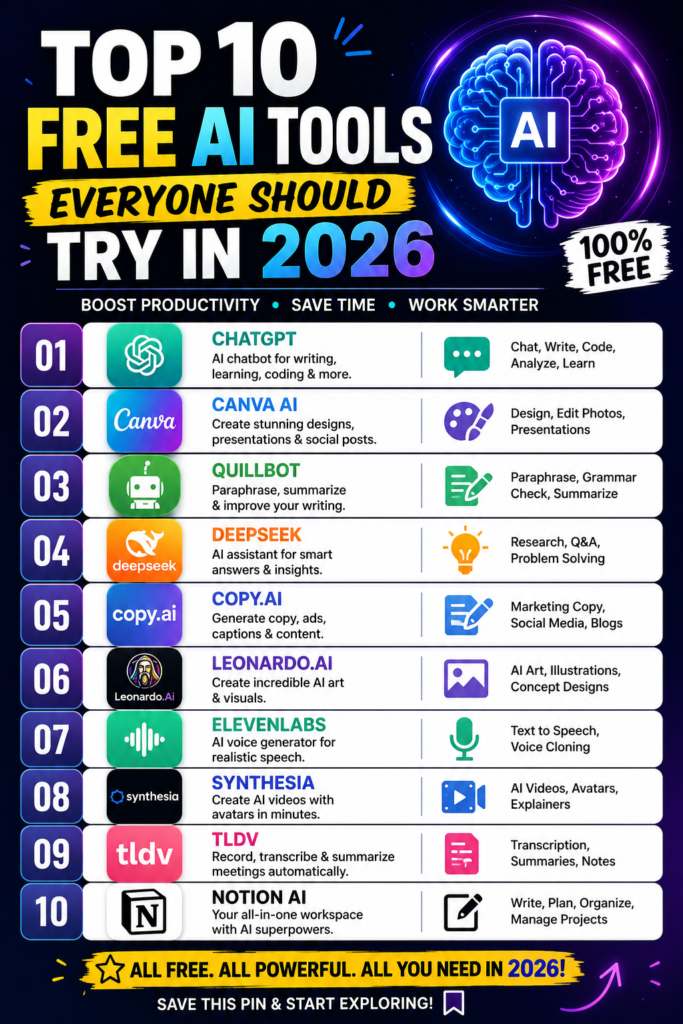
In this guide, we cover the top 10 free AI tools 2026 has to offer. Each one is easy to use, works well for beginners, and does not need a credit card to get started.
A few years ago, good AI tools were expensive or hard to access. That has changed fast. Companies now offer strong free plans because they want more people using their platforms. This means students, small business owners, freelancers, and hobbyists all get access to tools that used to cost hundreds of dollars a month.
Free does not mean weak either. Many of the tools below are used daily by professionals, right alongside their paid plans.
1. ChatGPT (Free Plan)
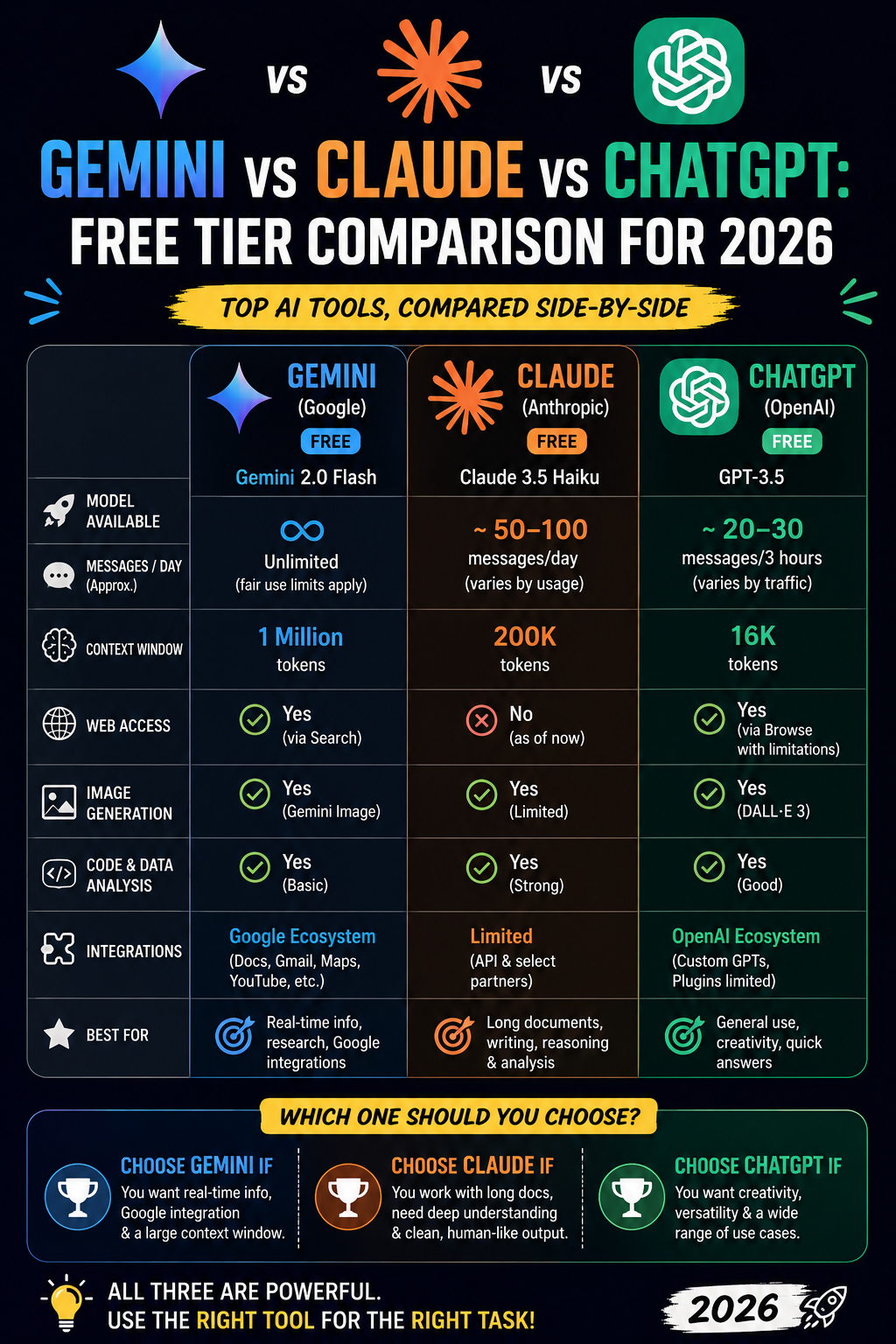
ChatGPT remains one of the most useful AI tools for writing, brainstorming, and answering questions. The free plan handles emails, blog outlines, study help, and everyday research with ease.
It works well if you need quick answers or want help structuring your thoughts before writing something longer.
2. Google Gemini
Gemini is Google’s AI assistant, and it connects directly with Gmail, Docs, and Search. This makes it a strong pick if you already live inside the Google ecosystem.
Use it to summarize long documents, draft replies, or pull quick facts while you work.
3. Canva AI (Magic Studio)
Canva’s free AI features let you create social posts, presentations, and simple designs without any design background. Magic Write helps with captions, and Magic Resize adjusts your design for different platforms in seconds.
Nano Banana has become a favorite for people experimenting with AI image styles. It works great for portrait and lifestyle image generation when paired with the right prompt structure.
Perplexity works like a search engine and research assistant combined. It gives direct answers with sources attached, which makes it useful for fact-checking or quick research without digging through ten browser tabs.
6. CapCut AI
CapCut’s free AI editing tools handle auto captions, background removal, and smart video cuts. It is one of the easiest ways to make short-form video content for platforms like Instagram Reels and YouTube Shorts.
7. Notion AI (Free Tier)
Notion AI helps you organize notes, plan projects, and summarize meeting content. If you already use Notion for planning, the AI features save real time on writing and organizing tasks.
8. Remove.bg
Remove.bg does one job and does it well: removing image backgrounds instantly. It is a small tool, but it saves a lot of manual editing time for product photos, portraits, or social graphics.
Copy.ai focuses on marketing copy, product descriptions, and social captions. The free plan is generous enough for small business owners who need quick, on-brand writing without hiring a copywriter.
10. Runway ML (Free Credits)
Runway offers free credits for AI video generation and editing. It is more advanced than CapCut, aimed at people who want creative control over AI-generated video clips and effects.
How to Choose the Right Free AI Tool
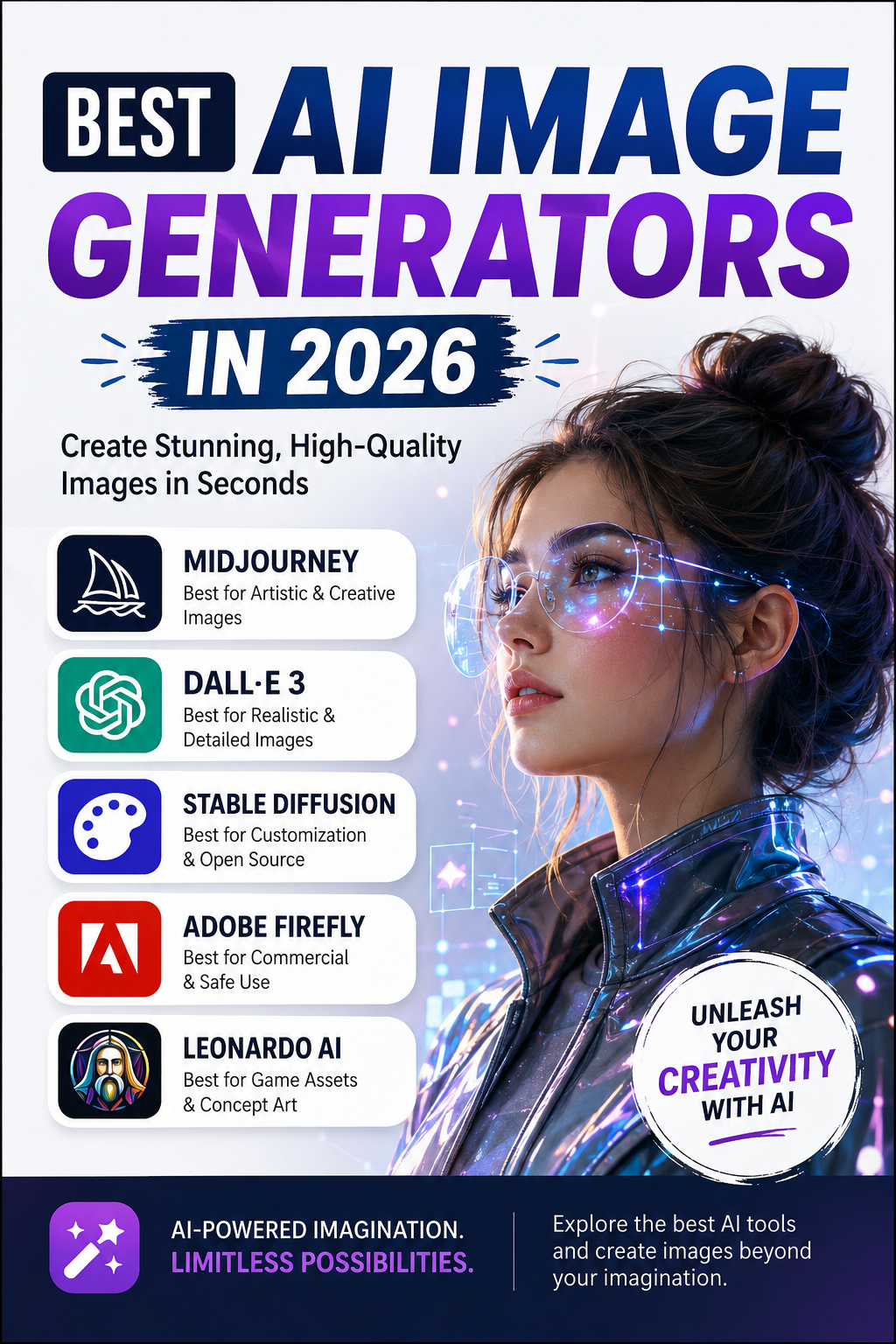
Start with the task, not the tool. Writing help points you toward ChatGPT or Gemini. Image work points you toward Canva or Nano Banana. Video points you toward CapCut or Runway.
Most people end up using two or three tools together rather than relying on just one. Test the free plans first, and only upgrade if you hit a real limit.
For deeper AI prompt techniques across different styles, browse our full AI prompt collection for more inspiration.
FAQs
Are these AI tools really free to use?
Yes. Every tool listed here has a free plan with no credit card required to start. Some offer paid upgrades for higher limits.
Which free AI tool is best for beginners?
ChatGPT and Canva AI are the easiest to start with. Both have simple interfaces and need no technical background.
Can I use free AI tools for business work?
Yes, many small businesses use free plans for writing, design, and video content. Just check each tool’s usage limits before scaling up.
Do free AI tools have usage limits?
Most do. Free plans usually cap the number of messages, images, or exports per day or month.
Is Nano Banana free to use?
Nano Banana prompts can be used with free AI image platforms, though results vary depending on the tool and prompt structure.
Will these tools stay free in 2026?
Pricing can change, but all ten tools currently offer solid free tiers as of 2026.
Can I combine multiple AI tools in one workflow?
Yes. Many creators combine writing tools like ChatGPT with image tools like Canva or Nano Banana for a complete content workflow.
Final Thoughts
You do not need a big budget to use AI in 2026. These ten free tools cover writing, design, video, and research, and each one is easy enough for a total beginner to start today. Pick one that matches your biggest time drain and give it a try this week.
Looking to sharpen your AI image prompts? Explore more guides on EmtyBrain for prompt ideas across every style.